Your vendor inventory is the second-most-asked-about item in any HIPAA audit, right after the risk assessment. Accountable makes it easy to keep track of who touches your data and what they touch.
What counts as a business associate
Any vendor that creates, receives, maintains, or transmits PHI on your behalf is a business associate. That includes the obvious ones (your EHR, billing platform, transcription service) and the less obvious ones (cloud backup, IT support, shredding service).
Mere conduits don't count
Adding a vendor
Open Manage Third Parties
From the Third Parties section in the left sidebar and click + Add.
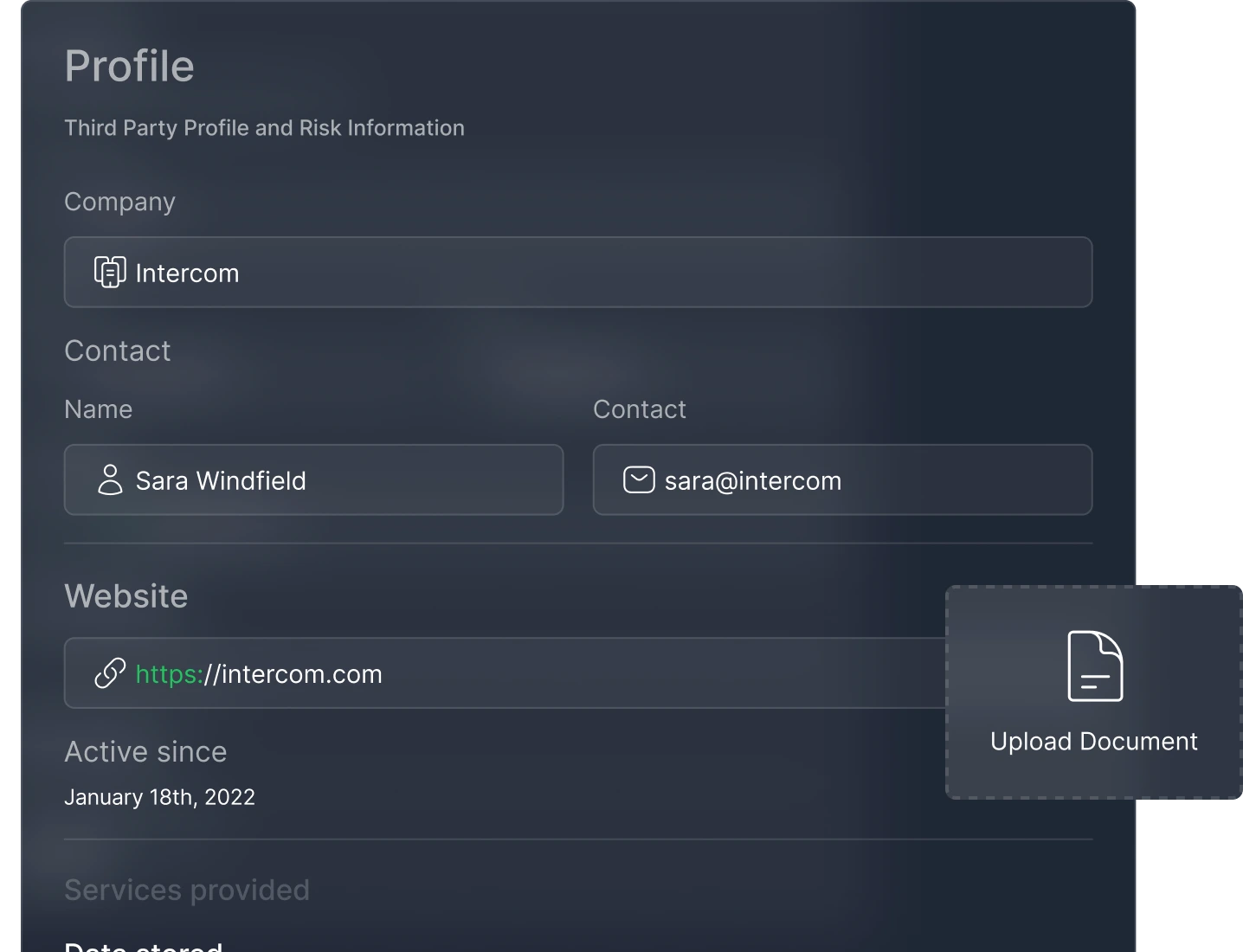
Enter vendor details
Name, contact information, and what data they handle.
Save and move to BAA
If a BAA is needed, you'll be prompted to start one — see the BAA article.
Letting Copilot do the legwork
Compliance Copilot can research a vendor for you. Ask it to research any vendor and it will search the web for their public HIPAA stance, whether they sign BAAs, and where to find their BAA — saving you the Google searches and support emails.
You can also ask Copilot to "research all vendors that are missing BAAs" to batch the research across your entire inventory.
Vendor discovery
Open Vendor Discovery under the Third Parties section to automatically scan your connected identity provider (Google Workspace or Microsoft 365) for SaaS apps your team is using. Vendor Discovery flags tools that might need to be in your inventory — catching the apps that snuck in without going through your compliance process.
You can approve, dismiss, or review each discovered vendor. Approved vendors get added to your inventory automatically.
Keeping the inventory current
Vendors in your inventory show BAA status indicators on the dashboard. You can filter by status to quickly find vendors that need attention. The BAA Signing dimension accounts for 10% of your compliance score.