Your people are the center of your compliance program — training, policy reviews, access controls, and incident reporting all tie back to who's on your team.
Adding team members
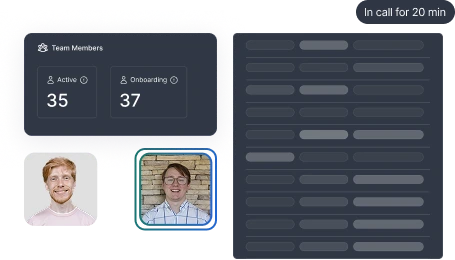
Open People from the People & Training section in the left sidebar. Invite team members by email — they'll receive an invitation to join your Accountable organization.
What happens when someone joins:
- They're added to your team roster
- HIPAA and Security Awareness training are automatically assigned
- They'll be prompted to complete any pending policy reviews
Import from your identity provider
Connect Google Workspace or Microsoft 365 under
Settings → Integrations to import your team directly. You can also import contacts from Slack if your team is already there.
Offboarding
When someone leaves, offboard them through Accountable (or ask Compliance Copilot to do it). This logs the departure and helps you track whether they still have access to PHI-touching systems — the most common access-control finding in HIPAA audits. See Access controls.