An opinionated path from a fresh Accountable account to a working compliance program. Most teams complete this in 25–35 minutes.
Before you start
1. Create your organization
Sign up at app.accountablehq.com. During setup, you'll choose whether your organization is a Covered Entity or a Business Associate — this determines which compliance workflows and policy templates are most relevant.
You'll provide your company name and basic details. The AI-powered onboarding will ask about your website, employee count, what types of PHI you handle, and which cloud services you use — this helps Accountable tailor your compliance program from the start.
2. Add the basics
Add your locations
Open
Locationsfrom the left sidebar and add every physical address that handles PHI. Even single-location organizations should add their primary address — it's referenced in policies and BAAs.Invite your team
Add your team under
Peopleby sending email invitations. New team members automatically get assigned core HIPAA and Security Awareness training when they join.Connect Google Workspace or Microsoft 365 (optional)
If you use either, connecting it under
Settings → Integrationslets you import your team and powers MFA Review and Access Controls automatically.
3. Run your first risk assessment
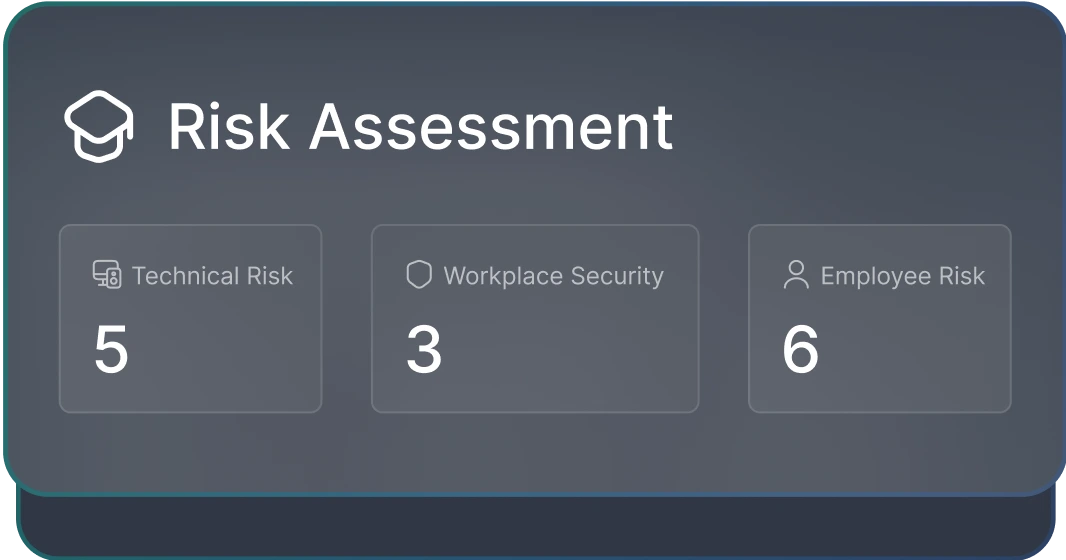
Open Assessments from the Compliance section in the left sidebar and start a new Security Risk Assessment. Step through the questions — don't try to be perfect. Partial answers are fine. The goal is to get a baseline so the rest of the program has something to point at.
Use Compliance Copilot here
4. Adopt the policy library
Go to Policies. Accountable has already drafted the full set you need for HIPAA — Privacy, Security, Breach Notification, and the supporting procedures. Your organization name, address, and designated officers are auto-filled from your profile. Click each one to review, edit anything that doesn't match how you actually operate, and click Publish.
See the policy library for which policies you need and why.
5. Assign HIPAA training
Open Training under People & Training. Core HIPAA and Security Awareness training is automatically assigned to new team members. You can also assign additional modules — like Bloodborne Pathogens for clinical staff, or Sexual Harassment Prevention where state law requires it.
6. Start your vendor inventory
Open Manage Third Parties under the Third Parties section. Add the obvious ones first — your EHR, your email/calendar provider, your billing platform. For each one, generate or upload the BAA. You can also use Vendor Discovery to automatically identify vendors connected to your Google Workspace or Microsoft 365.
What good looks like after 30 minutes