Your security risk assessment is the backbone of HIPAA compliance — every other safeguard ties back to it. Accountable structures the assessment so you're answering specific, actionable questions instead of staring at a 200-page checklist.
How often you should run it
Starting the assessment
Open Assessments from the Compliance section in the left sidebar. If this is your first time, start a new Security Risk Assessment. Otherwise, you'll see your last assessment and the option to start a new one or continue an in-progress draft.
Accountable also supports Data Protection Impact Assessments for organizations with GDPR obligations, and Risk Questionnaires that you can send to your vendors.
How questions are organized
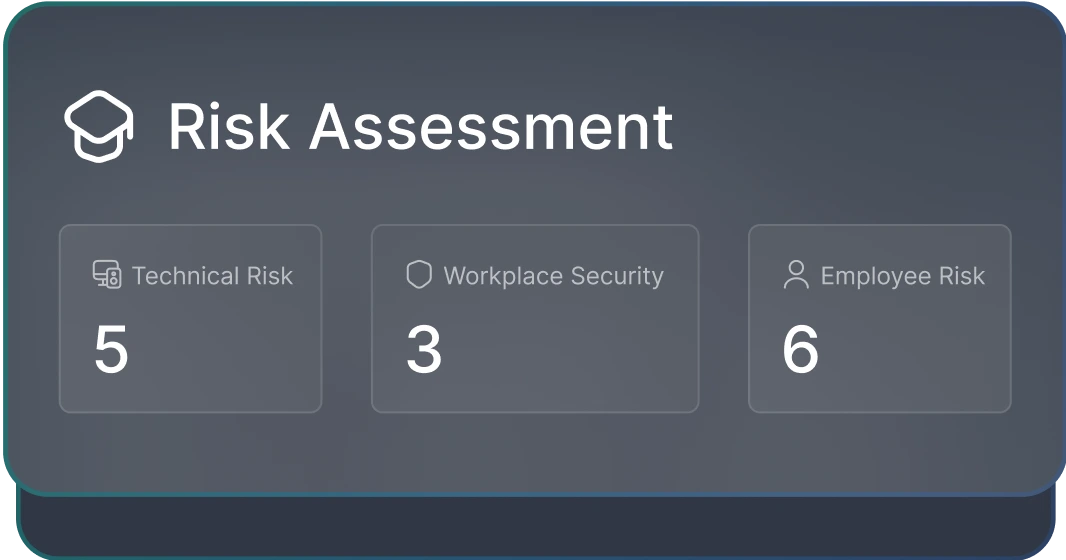
The Security Risk Assessment covers seven categories of questions aligned with the HIPAA Security Rule requirements — from administrative safeguards like policies and training, to physical and technical controls.
Answering well
Each question has an answer, a free-text explanation, and an optional evidence upload. You don't have to fill in all three on every question, but each one improves how your compliance report reads and how your compliance score is calculated.
Let Compliance Copilot take a first pass
Saving and resuming
The assessment saves your progress as you go. Close the tab, hand it off to a colleague, come back tomorrow — your in-progress answers are waiting.
Submitting the assessment
When every question has an answer, submit the assessment. Submitting:
- Locks the assessment as that point-in-time record
- Updates your compliance score (the Security Risk Assessment dimension accounts for 25% of your overall score)
- Adds the assessment to your compliance reports as evidence